
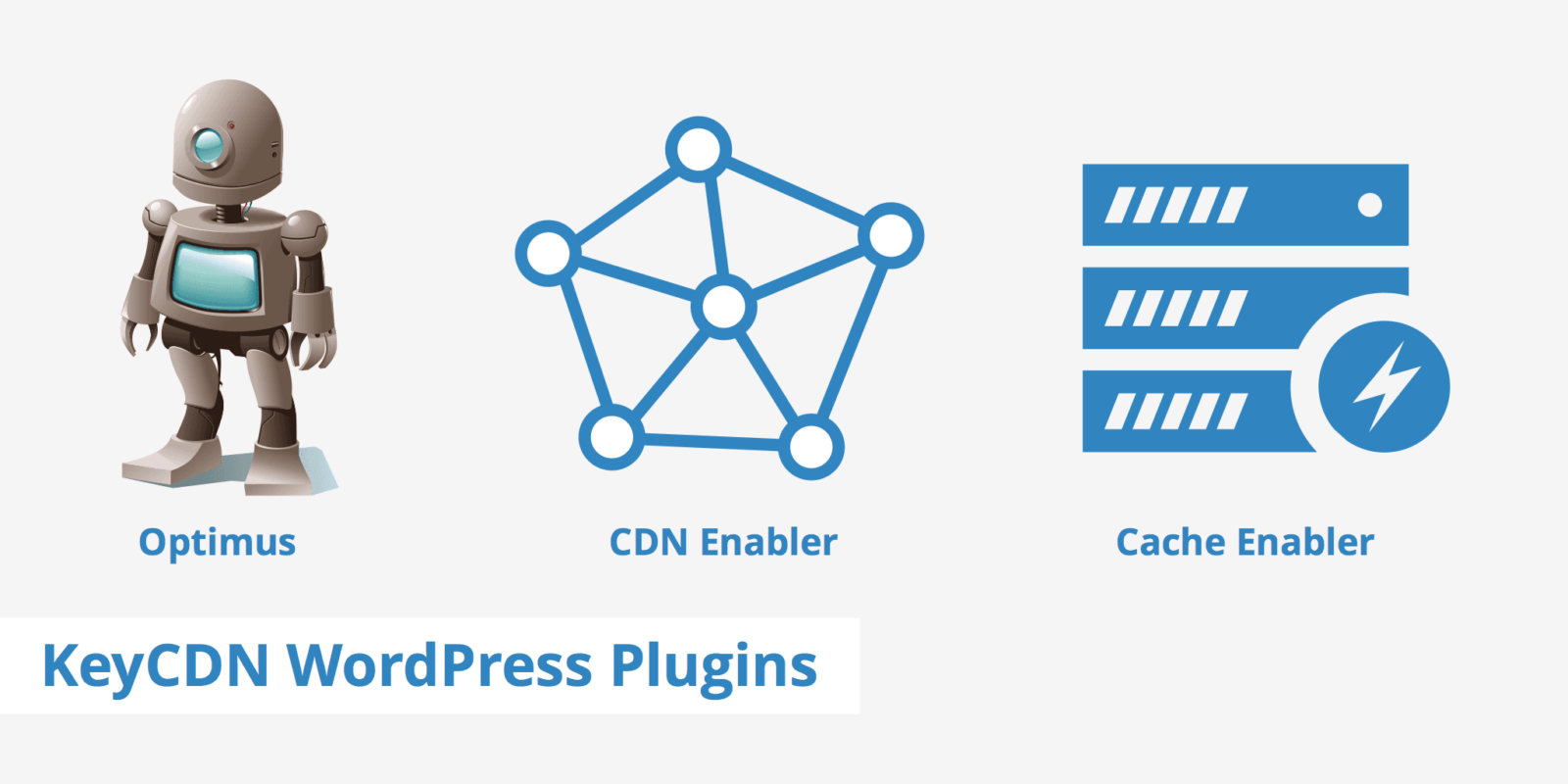
A graphic showcasing three keycdn wordpress plugins: optimus, cdn enabler, and cache enabler, each represented by an icon—a robot, a network diagram, and a lightning bolt symbol with lines, respectively.

CDN Cache Enabler Optimus WordPress Plugins

CDN Cache Enabler Optimus WordPress Plugins – This looks like a bit of an unrelated, catch-all heading for this article, but read on to find out how these 3 plugins work hand in hand to speed up your WordPress website.

KeyCDN Plugins

If you search for new plugins in your WordPress admin area and then type in “Keycdn”, you will find that these 3 plugins pop up near the top of the list and that is because they are all made by KeyCDN.

KeyCDN have produced these 3 plugins so as they talk together and behave nicely to each other and produce a complete jigsaw of CDN with caching and image optimisation all in one, to enhance performance.

CDN Enabler Plugin

The CDN enabler plugin is free and although designed specifically for the KeyCDN service, it can be used with other CDN services as well.

>>GUARANTEED Increase in Organic Traffic<<

Cache Enabler Plugin

The cache enabler plugin is free and you can use it stand alone as well if you want to, but it works best integrated with all 3 services.

More details can be found on the KeyCDN website for this plugin and you can download it there too.

Recommended Reading

cdn cache enabler optimus wordpress plugins keycdn logo

Optimus Plugin

The third plugin is for reducing the size of your images in order to speed up the loading of your pages and full details are on the KeyCDN website.

Content Delivery Network CDN in WordPress

Testing Performance

I am currently testing the performance of using all 3 plugins along with the KeyCDN cdn service as well.

So far it seems to be working well, but I would like to do further tests and reports.

Price is the big bonus here. I have already said that the plugins are free and whilst the CDN service is not free, it is as close to free as I have seen!

KeyCDN really do have very cheap services and you should have a look and compare them to others.
Similar Posts

  • WordPress ThemeIsle Review

    WordPress ThemeIsle Review – Themeisle was established with the purpose of offering WordPress themes suitable for beginners who may lack technical know-how. Their founders wanted to make it simple for non-coders to create great websites without spending hours learning code. All their themes are mobile responsive and come equipped with built-in page builders to simplify…

  • XML Sitemap Generator for Google Review

    XML Sitemap Generator for Google Review – if you operate a WordPress website, it’s essential that an XML sitemap be generated in order to aid search engines in indexing pages more quickly and find them more efficiently. Furthermore, an XML sitemap helps reduce duplicate content while improving SEO performance and increasing visitor satisfaction. The XML…

  • SEO WordPress Checkup

    Why Not Ask For A SEO WordPress CheckUp? Avail yourself of a SEO WordPress CheckUp on your website today and make sure there are no lurking errors. How many times have you thought to yourself as to whether you have set up your WordPress website correctly? Do you have niggly thoughts of whether your current…

  • Should You Use A WordPress SEO Plugin? Find Out Here

    Should You Use A WordPress SEO Plugin? – there has been a lot of talk recently about whether you should you use a WordPress SEO plugin. Experience is a great thing, as I am going to say something different now to what I did a couple of years ago. When I first started this SEO…

  • Rank Math SEO Plugin Review

    Rank Math SEO Plugin Review – Sometimes something comes along that puts a bit of excitement in your tummy! That is exactly how I feel after using the Rank Math SEO WordPress Plugin from MyThemeShop. Which WordPress SEO Plugin Is Best? Haven’t you searched for which WordPress SEO plugin is best, read a lot of…