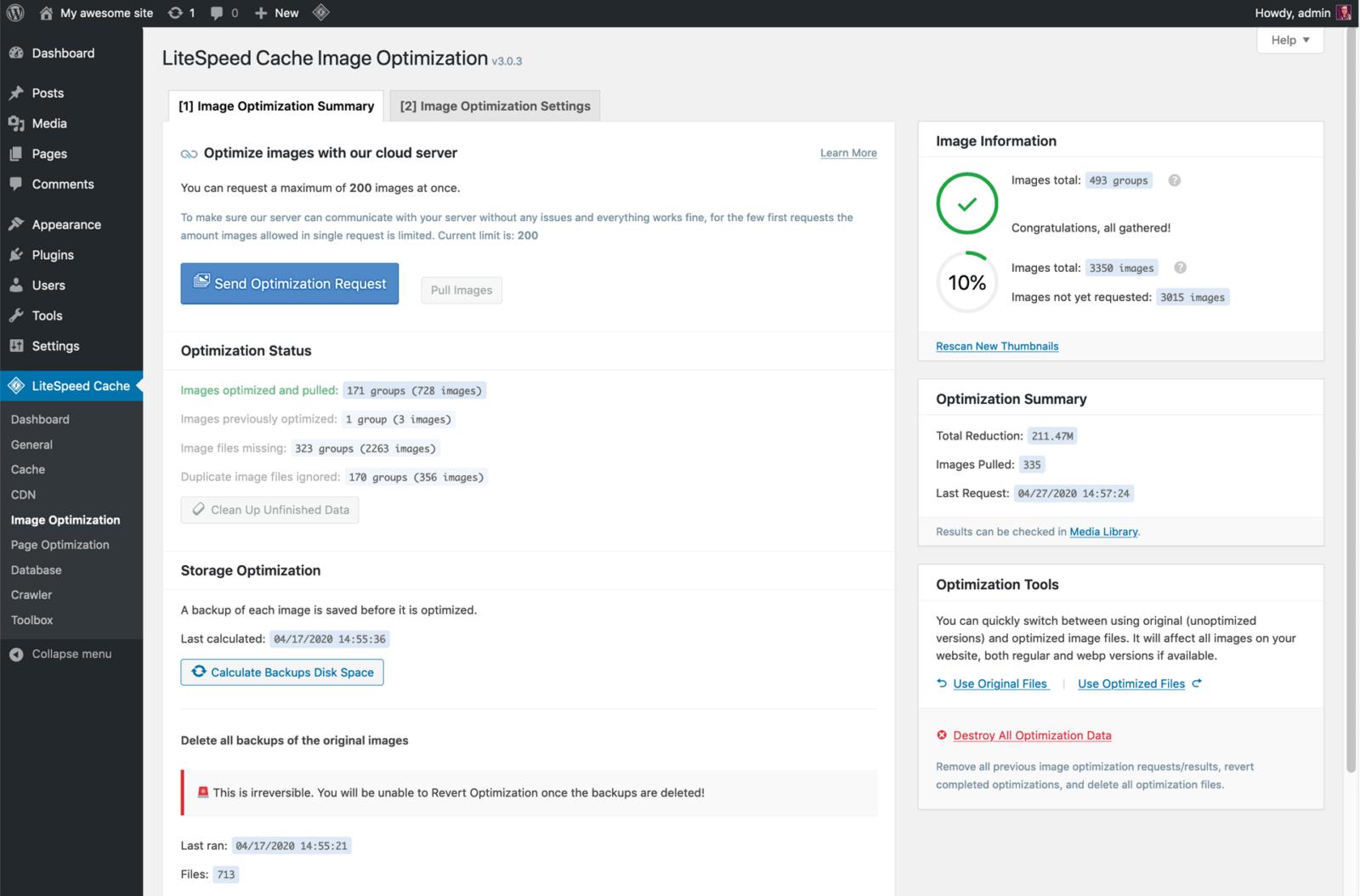
Screenshot of a website optimization tool interface, showing options for image compression, optimization statistics, and optimization history for improved web page performance. litespeed cache plugin errors

Litespeed Cache Plugin Errors

Litespeed Cache Plugin Errors – I currently use Guru for hosting on this website and they use the Litespeed server. I receive good speed using this hosting, together with the Litespped cache plugin.

However, I have discovered an error with the Litespeed WordPress Plugin recently and I am not sure how long this has been the case.

GURU Hosting

Shared, Reseller and Dedicated Hosting Plans come with ultra-fast WordPress, WooCommerce, Magento, Drupal, Joomla and PrestaShop cache service as standard.

We earn a commission if you make a purchase, at no additional cost to you.

Litespeed Cache Plugin Settings

There are many settings in the Litespeed Plugin, which means you have a lot of control in the caching setup. I might write a new Post on the best settings I have found.

However, I did discover a bad error and if you use the Litespeed cache plugin on your website, it would be worth checking this out. Before you do, it would be good practice to take a full backup of your website.

The error occured in the .htaccess file of my website which we are going to have a look at, but if you are not experienced in adjusting the coding in there, you would need to employ someone to look at this for you.

litespeed logo - litespeed cache plugin errors
Litespeed Cache Plugin Errors

What Is The Litespeed Cache Plugin Error?

So, if you go to Litespeed Cache>Toolbox>Edit .htaccess this will show you the details of the code that is in your .htaccess file. Then inspect what is listed to make sure everything is there that should be there.

My experience was that when I made changes to the other sections of the plugin by turning things on and off, this for some unknown reason removed necessary code from the .htaccess file.

The concerning thing was that on a number of occassions it remove the necessary code to make a WordPress website work:

# BEGIN WordPress

# The directives (lines) between “BEGIN WordPress” and “END WordPress” are

# dynamically generated, and should only be modified via WordPress filters.

# Any changes to the directives between these markers will be overwritten.

<IfModule mod_rewrite.c>

RewriteEngine On

RewriteRule .* – [E=HTTP_AUTHORIZATION:%{HTTP:Authorization}]

RewriteBase /

RewriteRule ^index\.php$ – [L]

RewriteCond %{REQUEST_FILENAME} !-f

RewriteCond %{REQUEST_FILENAME} !-d

RewriteRule . /index.php [L]

</IfModule>

If the above code is not present in the .htaccess file of a WordPress website, then the website will not work and every page will give a 404 page error, except for the Home or Index page.

This is well worth checking out on your website to make sure everything is working correctly. I have reported the error.

Litespeed Cache Plugin Errors

See also Squirrly Plugin for SEO.

Similar Posts

  • How Rank Math SEO Plugin Can Supercharge Your Website’s Performance

    Rank Math SEO Plugin – Rank Math is one of the premier SEO plugins for WordPress, boasting a vast array of functions in one handy plugin to fulfill 99% of your SEO work for you. This includes creating and submitting an XML sitemap, optimising image SEO, adding breadcrumbs and monitoring 404 errors on your website….

  • Detailed Look At Themeisle Pros and Cons

    Discover the pros and cons of ThemeIsle themes in this detailed article. From beautiful designs to user-friendly functionalities, find out if they’re the right fit for your website.

  • Titles And Metas Posts And Pages Yoast SEO Best Settings

    Titles And Metas Posts And Pages Yoast SEO Best Settings – DONT LISTEN TO ANYONE ELSE EXCEPT YOAST! You may think that statement is a bit over the top, but it’s down to months of different trials, changes, tests, experiments; you name it and I have tried it. And The Best Settings Are? Right here. It’s…

  • Fix Too Many Redirects Error WordPress Problems

    Fix Too Many Redirects Error WordPress Problems – this is something you might be totally unaware of, but can really badly affect the SEO of your website. I don’t know if you are like me or not, but when I come up with a new idea for my WordPress websites, I just have to carry…