
Logo of yoast seo premium, a popular plugin for improving website search engine optimization.

You’re linking to another page with the focus keyword you want this page to rank for

Ever come across this warning of “You’re linking to another page with the focus keyword you want this page to rank for“?

If you are using Yoast’s SEO Plugin either the free version or Pro version, then you might well come across this error message. Whilst it is not the end of the world if you do this, but if you are anything like me, little errors will continue to bug you until you resolve them.

It’s a bit like the WordPress message saying that you need to update a plugin and you say to yourself, oh I must get round to doing that! I don’t know how many pictures or videos I have seen from “SEO Experts” that show that plugins need updated in the background!

Optimizing WordPress Settings for Enhanced Performance and SEO

>>GUARANTEED Increase in Organic Traffic<<

It’s always a good idea to update plugins immediately, for security reasons as well as performance benefits.

Anyway, back to the task at hand which is the following error message in full:

Recommended Reading

“You’re linking to another page with the focus keyword you want this page to rank for.

Consider changing that if you truly want this page to rank”

Error Reasons

There are 2 possible reasons for this error. One is that you are using an exact keyphrase on a page or post that you have on another page or post. Obviously there is absolutely no advantage in doing something like this and in fact it will cause some harm, as the two pages or posts will compete with each other, which is like a revolt within the ranks!

The other reason is that you have a keyphrase with an internal link to another page with exactly the same keyphrase. This has happened to me on occasion when I used the plugin Custom Menu Wizard to insert a short-code on the bottom of certain pages/posts to display linked pages/posts.

The problem was, not only did it show the page/post titles and links of the related pages/posts, it also displayed the page/post title and link of the page/post it was shown on, which is not so good. Deserves me right for being too lazy to do manual links connecting suitable pages and posts!

Well, thanks for reading the article You’re linking to another page with the focus keyword you want this page to rank for.
Similar Posts

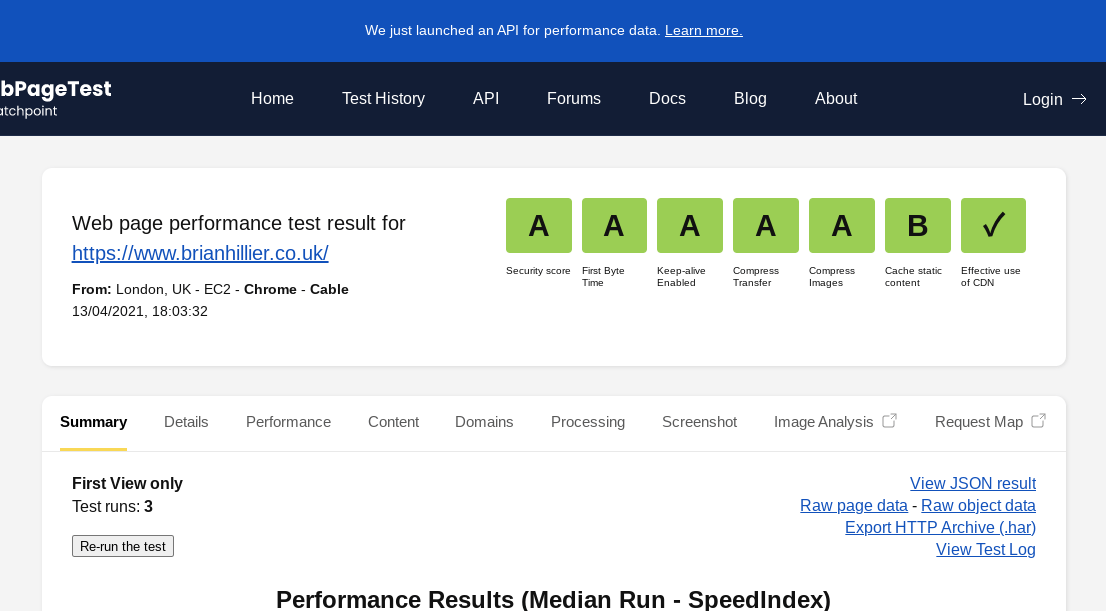
  • Webpagetest Security Score Additional Metric

    There are a number of websites that you can use to check the speed your website loads at. You can use Google’s PageSpeed Insights, GTMetrix, Pingdom and Webpagetest all free of charge. Whilst using Webpagetest’s website, I noticed they have added a new metric of “Security Score” when you run a test. When I first…

  • What is Anchor Text and Do I Need to Use It?

    What is Anchor Text and Do I Need to Use It? – What exactly is Anchor Text? Here is an example of anchor text within a sentence: Can you spot that this is the anchor text in this example. Yet, as users, we are able to see no more than the clickable area of the anchor…

  • Check Best PHP Version For Your WordPress Website

    Perhaps something you do not think of doing on a regular basis, but it is good practice to check best PHP version for your WordPress website. Things never stay the same in the on line world and there are updates for everything you use today. Optimizing WordPress Settings for Enhanced Performance and SEO Table of…

  • When To Use The Noindex Tag In WordPress Websites For Good SEO

    When To Use The Noindex Tag In WordPress Websites For Good SEO – in the ever-evolving world of SEO, every webmaster strives to optimize their website to perfection. Amidst the myriad of tools and techniques, the humble “noindex” tag often goes unnoticed. Yet, this unassuming tag can be a game-changer in the SEO landscape! Whether…

  • What Are WordPress Pagination Archives Best SEO Settings?

    What Are WordPress Pagination Archives Best SEO Settings? I wonder how many times you have searched Google to find out the best settings for paginated archives for a WordPress website? Index, noindex, follow, nofollow? It is a topic that is well discussed and debated amongst the SEO community and there are a lot of differing…

  • What Should I Put in My Robots.txt File?

    So what should I put in my Robots.txt file you might ask? Good question and as with most things, “doctors differ, patients die” well maybe that’s a little bit extreme! Read on a bit further to see your options and find the best code to suit your on website. Table of ContentsError Reasons Optimizing WordPress…