• When To Use The Noindex Tag In WordPress Websites For Good SEO

    When To Use The Noindex Tag In WordPress Websites For Good SEO – in the ever-evolving world of SEO, every webmaster strives to optimize their website to perfection. Amidst the myriad of tools and techniques, the humble “noindex” tag often goes unnoticed. Yet, this unassuming tag can be a game-changer in the SEO landscape! Whether…

  • Webpagetest Security Score Additional Metric

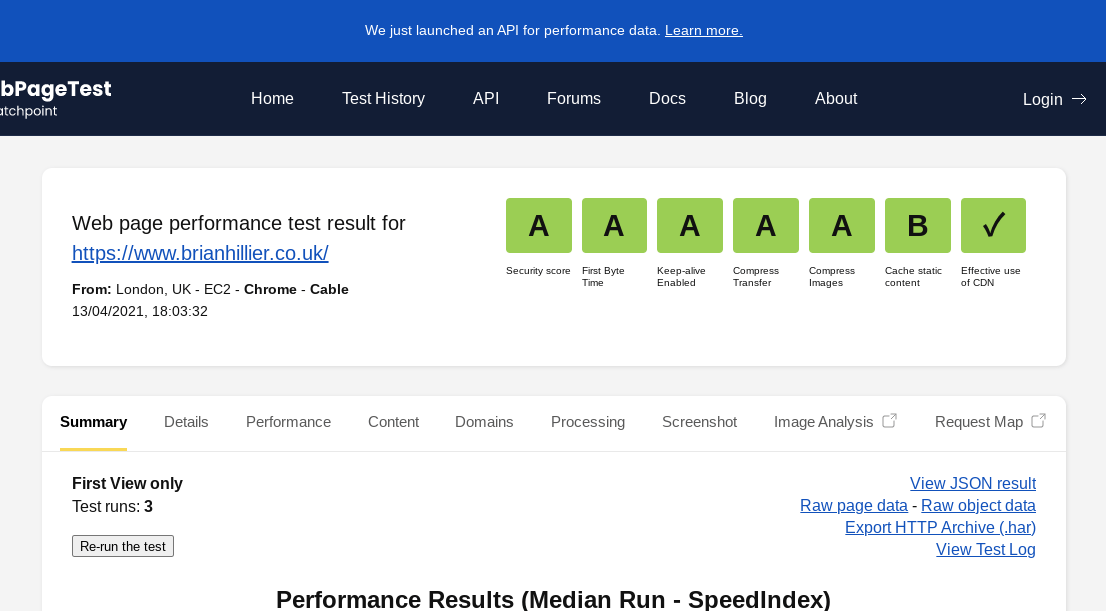
    There are a number of websites that you can use to check the speed your website loads at. You can use Google’s PageSpeed Insights, GTMetrix, Pingdom and Webpagetest all free of charge. Whilst using Webpagetest’s website, I noticed they have added a new metric of “Security Score” when you run a test. When I first…

  • Litespeed Cache Plugin Errors

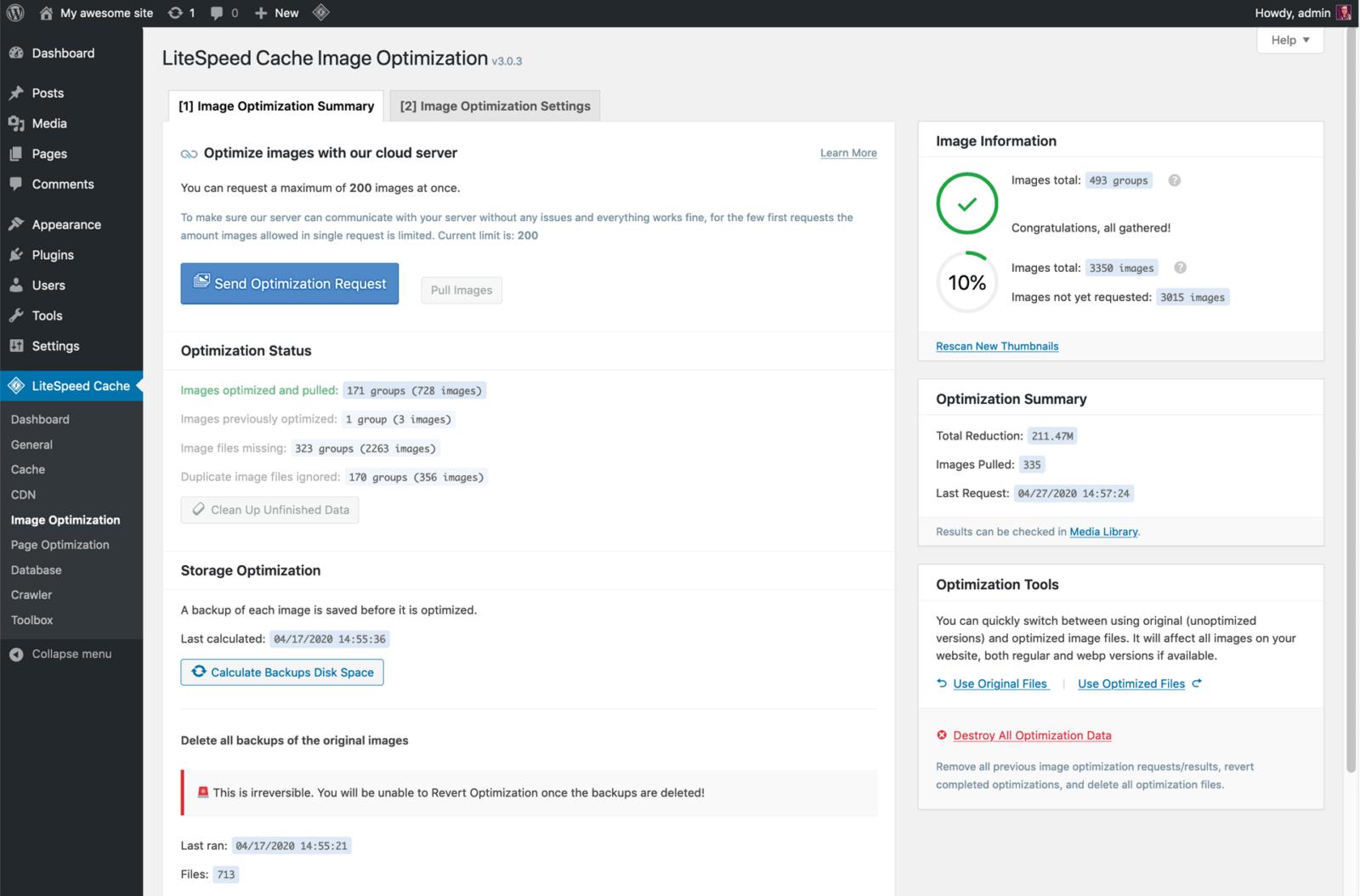
    Litespeed Cache Plugin Errors – I currently use Guru for hosting on this website and they use the Litespeed server. I receive good speed using this hosting, together with the Litespped cache plugin. However, I have discovered an error with the Litespeed WordPress Plugin recently and I am not sure how long this has been…

  • PWA Progressive Web App And Google Adsense

    PWA Progressive Web App And Google Adsense – I wrote the following article after my initial experiences with PWA in WordPress using the AMP version on a mobile phone. When it comes to using AMP in WordPress, there are two main plugins that are used; the original AMP version by WordPress.com or AMP for WP by…

  • What Are WordPress Pagination Archives Best SEO Settings?

    What Are WordPress Pagination Archives Best SEO Settings? I wonder how many times you have searched Google to find out the best settings for paginated archives for a WordPress website? Index, noindex, follow, nofollow? It is a topic that is well discussed and debated amongst the SEO community and there are a lot of differing…

  • Be Careful How You Use Yoast Internal Linking Suggestions

    You might wonder why I am saying Be Careful How You Use Yoast Internal Linking Suggestions and I would like to go on to qualify that here. Yoast Plugin Lightning Fast Internal Linking Suggestions This has been introduced in the premium version of the Yoast SEO plugin and it seems to work very well indeed….

  • Check Best PHP Version For Your WordPress Website

    Perhaps something you do not think of doing on a regular basis, but it is good practice to check best PHP version for your WordPress website. Things never stay the same in the on line world and there are updates for everything you use today. Optimizing WordPress Settings for Enhanced Performance and SEO Understanding PHP…

  • Titles And Metas Posts And Pages Yoast SEO Best Settings

    Titles And Metas Posts And Pages Yoast SEO Best Settings – DONT LISTEN TO ANYONE ELSE EXCEPT YOAST! You may think that statement is a bit over the top, but it’s down to months of different trials, changes, tests, experiments; you name it and I have tried it. Optimizing WordPress Settings for Enhanced Performance and SEO…

  • Fix Too Many Redirects Error WordPress Problems

    Fix Too Many Redirects Error WordPress Problems – this is something you might be totally unaware of, but can really badly affect the SEO of your website. I don’t know if you are like me or not, but when I come up with a new idea for my WordPress websites, I just have to carry…

  • What Should I Put in My Robots.txt File?

    So what should I put in my Robots.txt file you might ask? Good question and as with most things, “doctors differ, patients die” well maybe that’s a little bit extreme! Read on a bit further to see your options and find the best code to suit your on website. Optimizing WordPress Settings for Enhanced Performance…

  • What is Anchor Text and Do I Need to Use It?

    What is Anchor Text and Do I Need to Use It? – What exactly is Anchor Text? Here is an example of anchor text within a sentence: Can you spot that this is the anchor text in this example. Yet, as users, we are able to see no more than the clickable area of the anchor…

  • Getting the settings right in WordPress is crucial to building a successful website. With numerous options available, it can be overwhelming for newcomers. However, with the right guidance, you can ensure that your website runs smoothly and efficiently.

    The first step in optimizing your WordPress experience is to navigate to the Settings menu in your dashboard. Start with the General Settings, where you set your site title, tagline, and URL format. These elements not only affect how your site appears but also influence your search engine visibility.

    Next, pay attention to the Reading settings. Here, you can decide whether to display your latest posts or a static page on your homepage. This decision impacts user experience and can guide how visitors interact with your content.

    Beyond basic configurations, consider settings that enhance performance and security. Utilize settings like permalinks to create friendly URL structures. This not only makes your links more readable but also beneficial for SEO.

    Lastly, ensure that your privacy and discussion settings align with your goals. Adjusting these settings can help protect your content and cultivate a community around your blog.

    While WordPress offers a multitude of settings, focusing on the essentials can save you time and headaches, keeping your website optimized for success.

    Optimizing WordPress Settings for Enhanced Performance and SEO